Omni joins the lineup
Gemini Omni is now available to every Prisqa plan, free included. It is the fifth family in the lineup and the first one built around editing: give it any mix of text, images, audio and video, get a finished shot back, then change it through conversation.
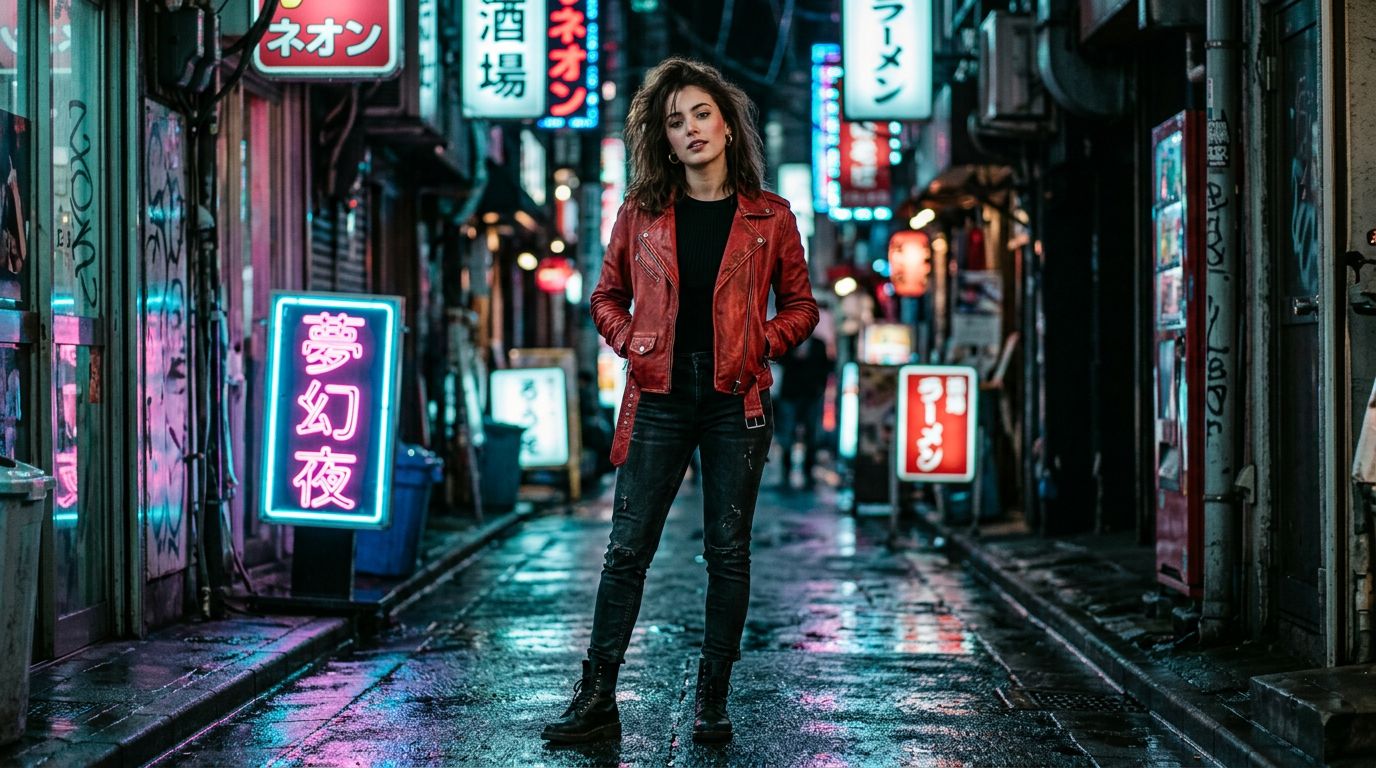
That last part is what makes Omni different. Most video models treat every prompt as a fresh roll of the dice. Omni treats your next message as a note: change the jacket to red leather, move her to a neon alley, keep the framing. Everything you didn't mention carries over.
Notes, not re-rolls
In practice this changes how a session feels. You stop writing longer and longer prompts trying to pin every detail, and start working the way you would with an editor: one change at a time, each take building on the last. A session reads like a conversation.
take 01  "A woman walks through a night market, handheld, 35mm"
note 02  "Change the jacket to red leather"
note 03  "Move her to a neon alley, keep the framing"
note 04  "Add light rain, reflections on the pavement"
Omni edits cost 12 credits, the cheapest take in the studio, so iterating is the point. It renders up to 8 seconds and upscales to 4K, and you can anchor a shot with up to five reference images.
The full breakdown, including where Omni wins and how to prompt it well, is on the Omni model page. Open the studio, pick the Omni tab, and give your first note.